

Fivalo™ Precision Router Groove & Dado Jig
Fivalo™ Precision Router Groove & Dado Jig

Keep the router on line
Freehand grooves can wander, and resetting a straightedge for every cut slows the job down. This jig supports the router on a rigid plate and guides the movement along the workpiece for a cleaner, more controlled path.

Watch the guide in motion
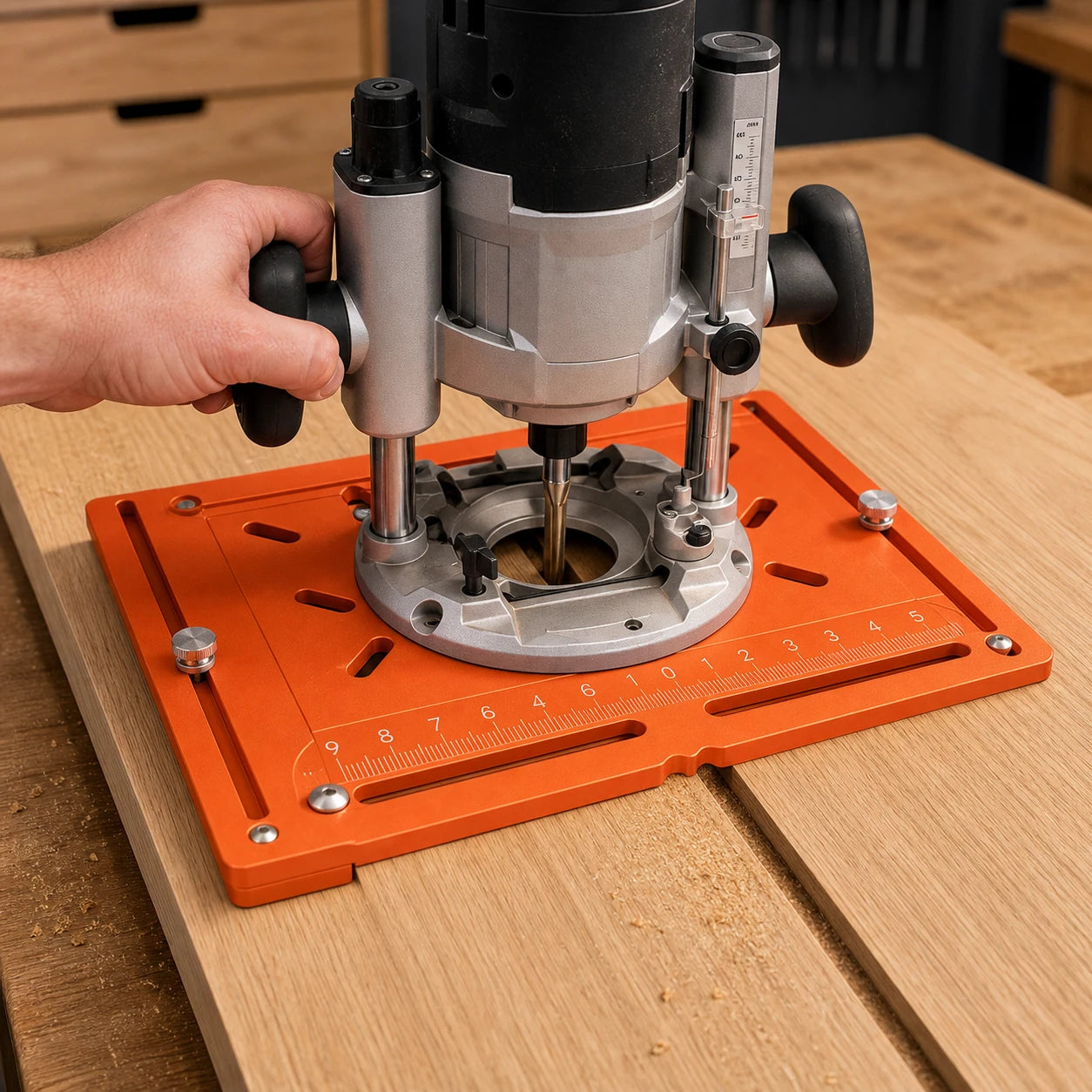
Set the guide position, verify the router and cutter clearance, support the workpiece, then advance at a controlled pace. The video shows how the plate and supports keep the routing path easy to follow.
Two practical ways to work
Set the guide for the workpiece and cut direction—not the other way around.
Across cabinet panels
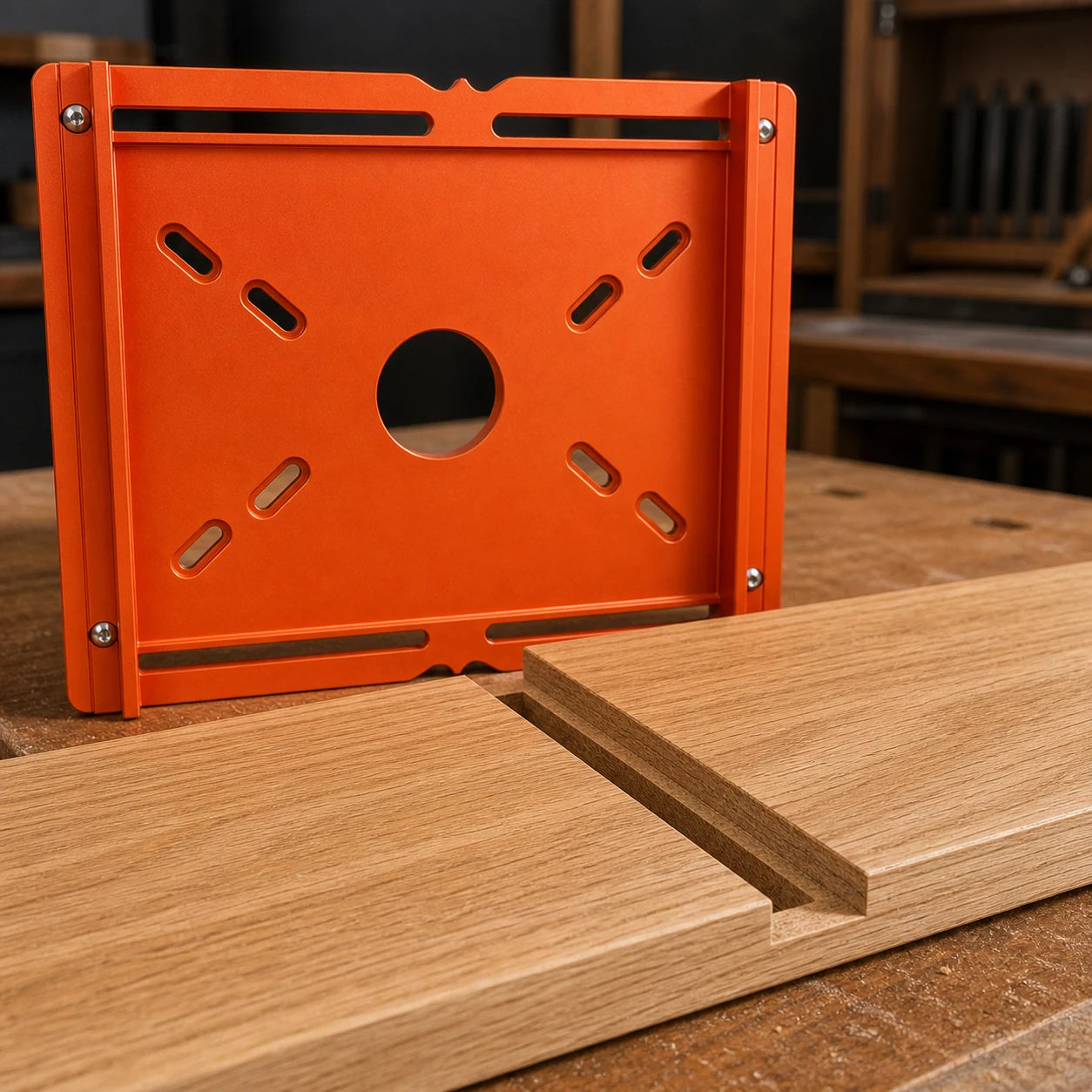
Use the main plate to guide a compatible router across supported sheet goods for shelf dados, back-panel channels, and other straight cuts.
Along board edges
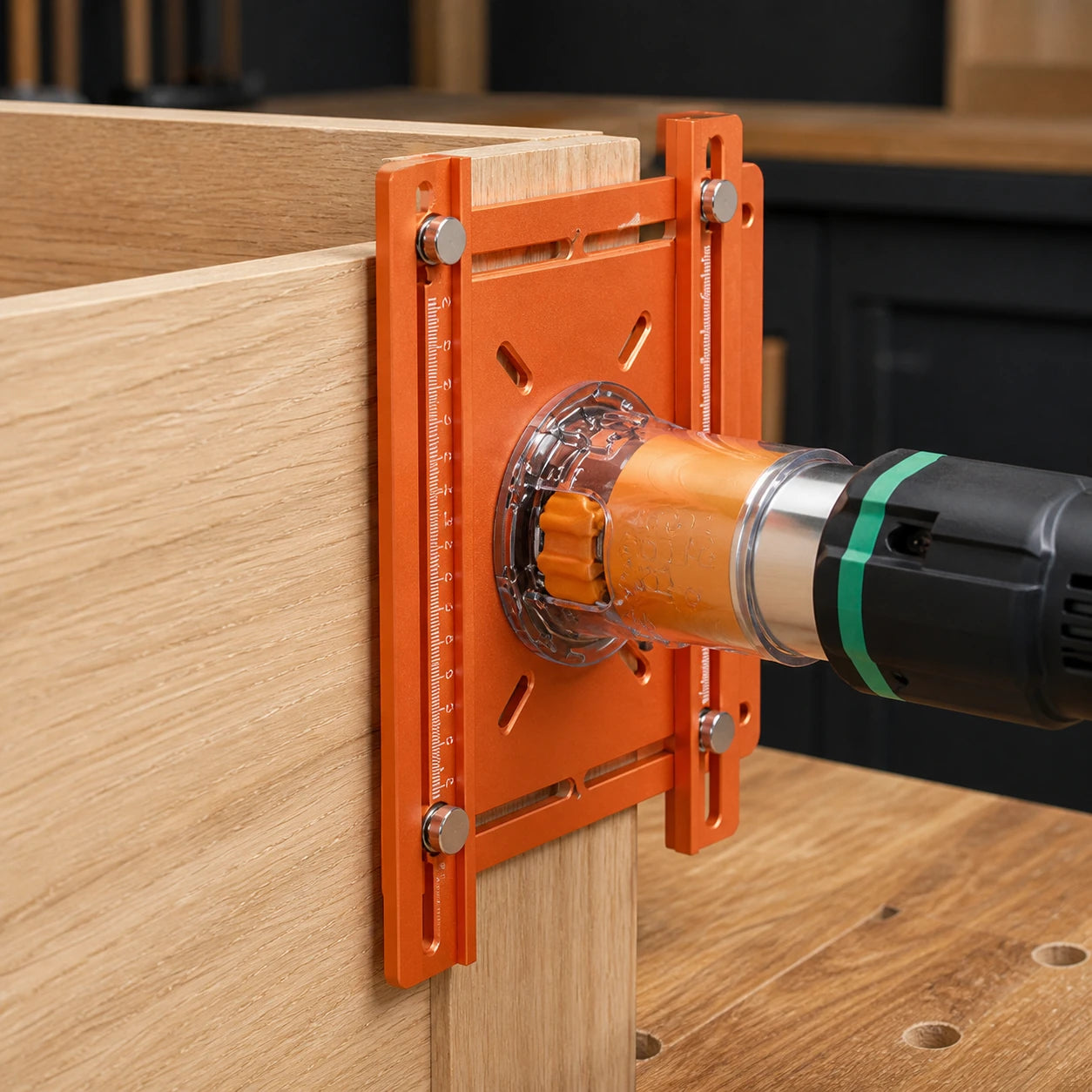
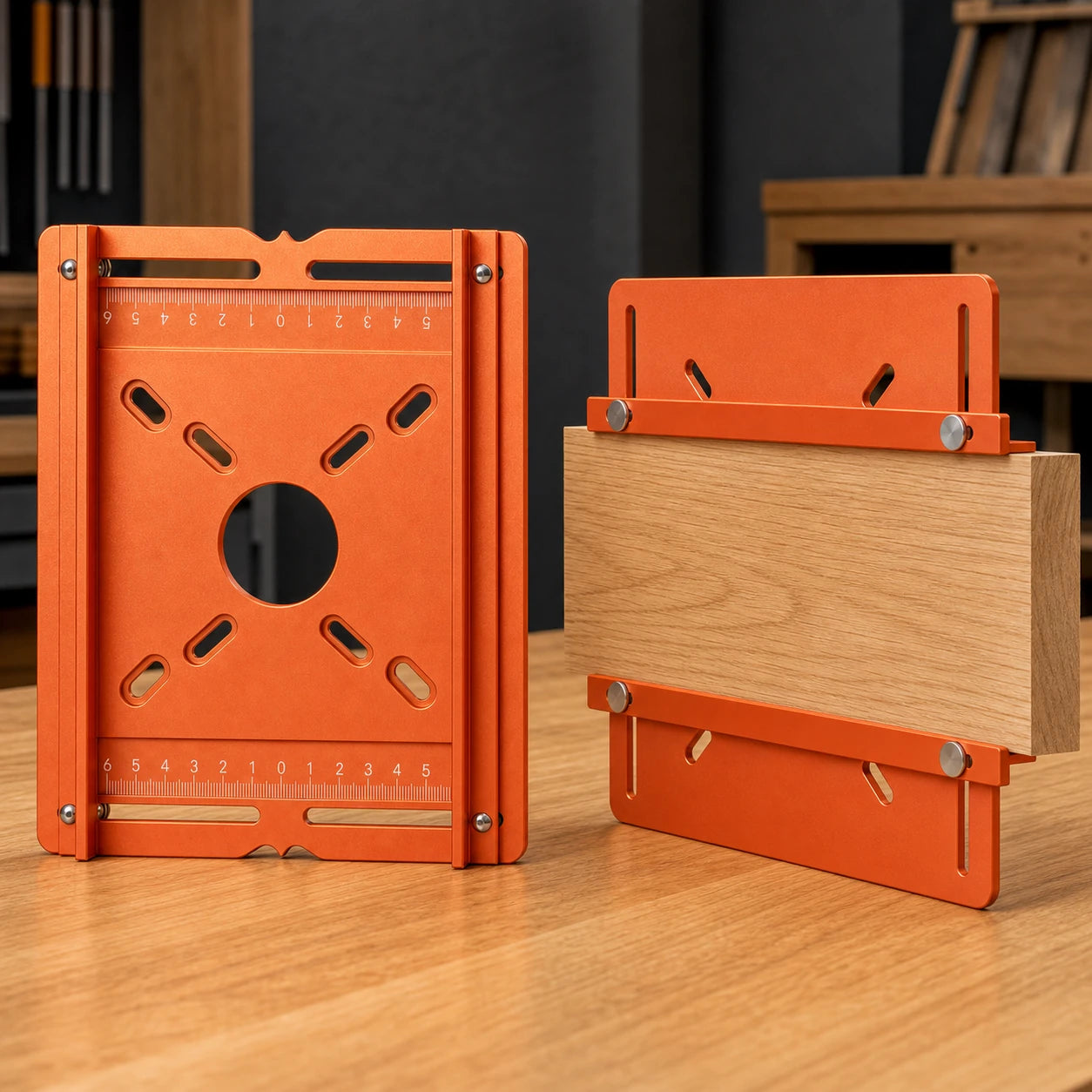
Configure the adjustable supports around the workpiece for edge and side-panel routing where a full plate setup is less convenient.
Precision you can see before the cut
Purpose-built details turn the routing setup into something you can position, check, and repeat.
Rigid 6 mm plate
The aluminum-alloy plate provides a stable surface that supports the router during guided movement.
210 × 168 mm footprint
A compact platform for cabinet components, shelf panels, and other supported routing work.
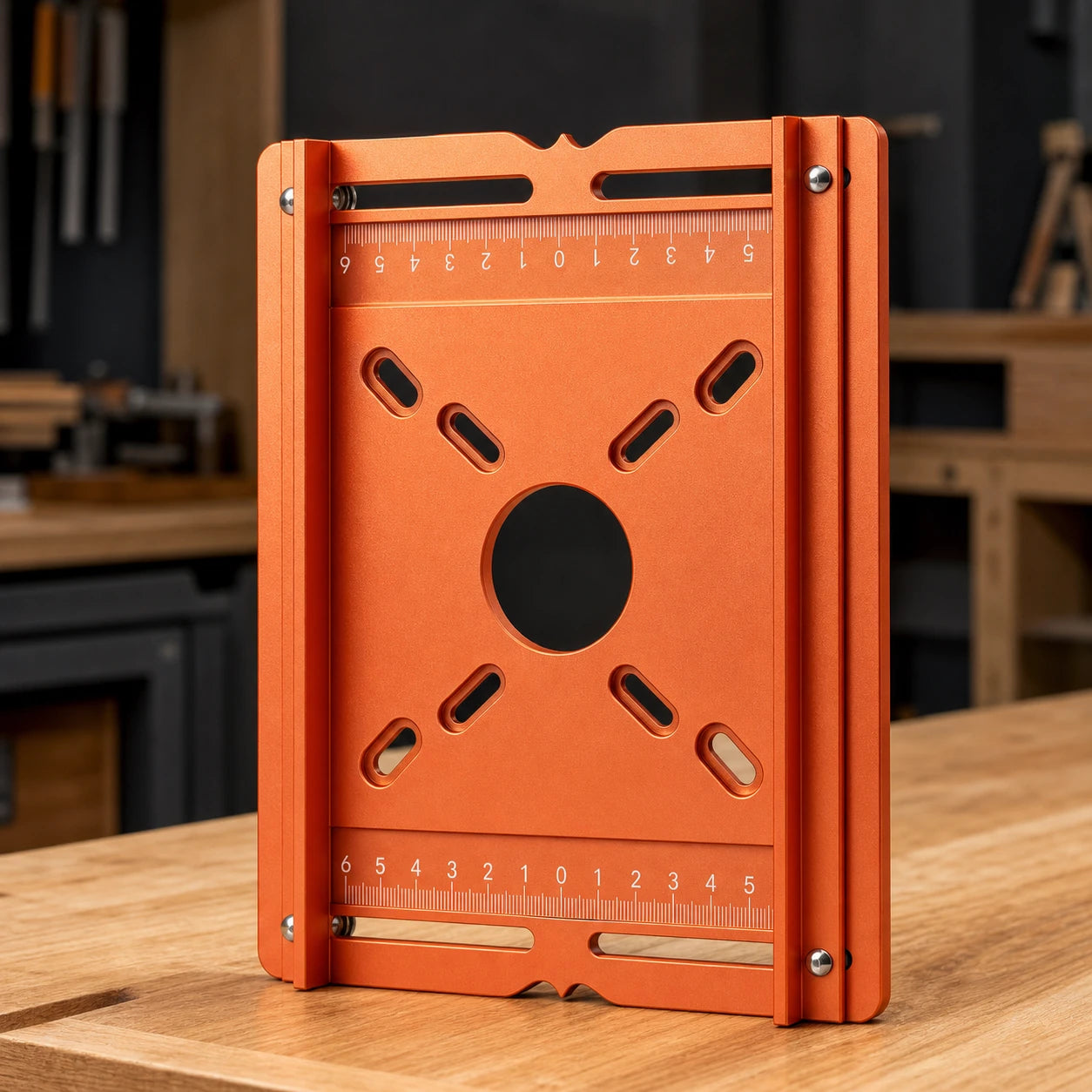
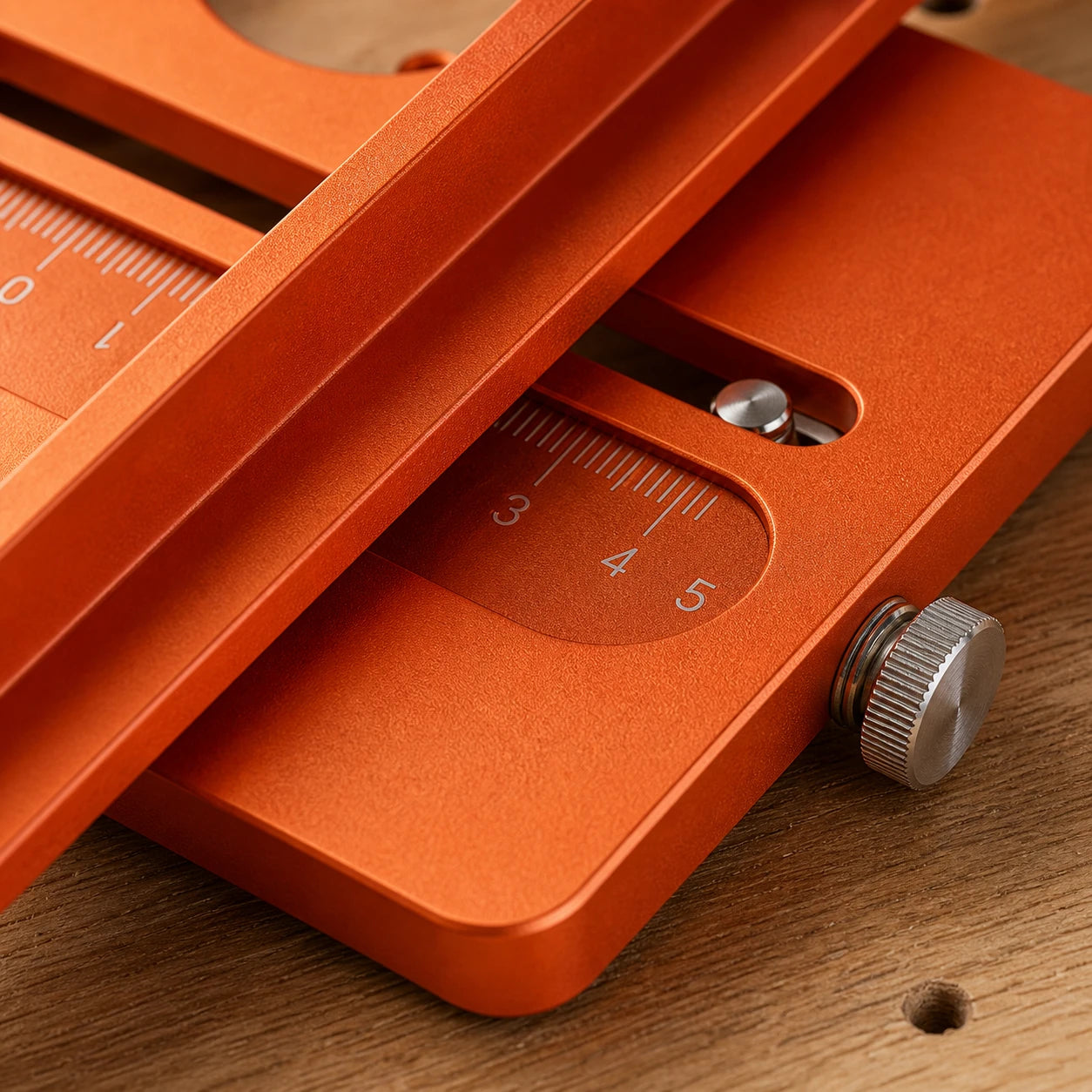
Engraved positioning scales
Visible marks help keep paired adjustments aligned and make a previous setup easier to revisit.
From setup to first cut
1. Choose the mode
Match the guide setup to the workpiece and routing direction.
2. Set the guides
Adjust the rails or supports to the required position and lock them securely.
3. Verify router fit
Secure a compatible router and confirm the fasteners, collet, cutter, and clearance.
4. Test, then route
Clamp and support the workpiece, make a test cut in scrap, then advance steadily.

Check the path before assembly
A controlled guide makes the routed line easier to inspect before the shelf or panel moves to assembly. Always confirm cutter size and depth with a test cut in scrap from the same material.
Product details
Verified specifications
Plate: 210 × 168 mm (8.27 × 6.61 in)
Plate thickness: 6 mm
Material: aluminum alloy
Positioning: adjustable rails/stops with engraved double scales
Router compatibility
No universal-fit claim is made. Compare your router base, mounting pattern, cutter clearance, collet, and required hardware with the final compatibility details before ordering.
What’s included
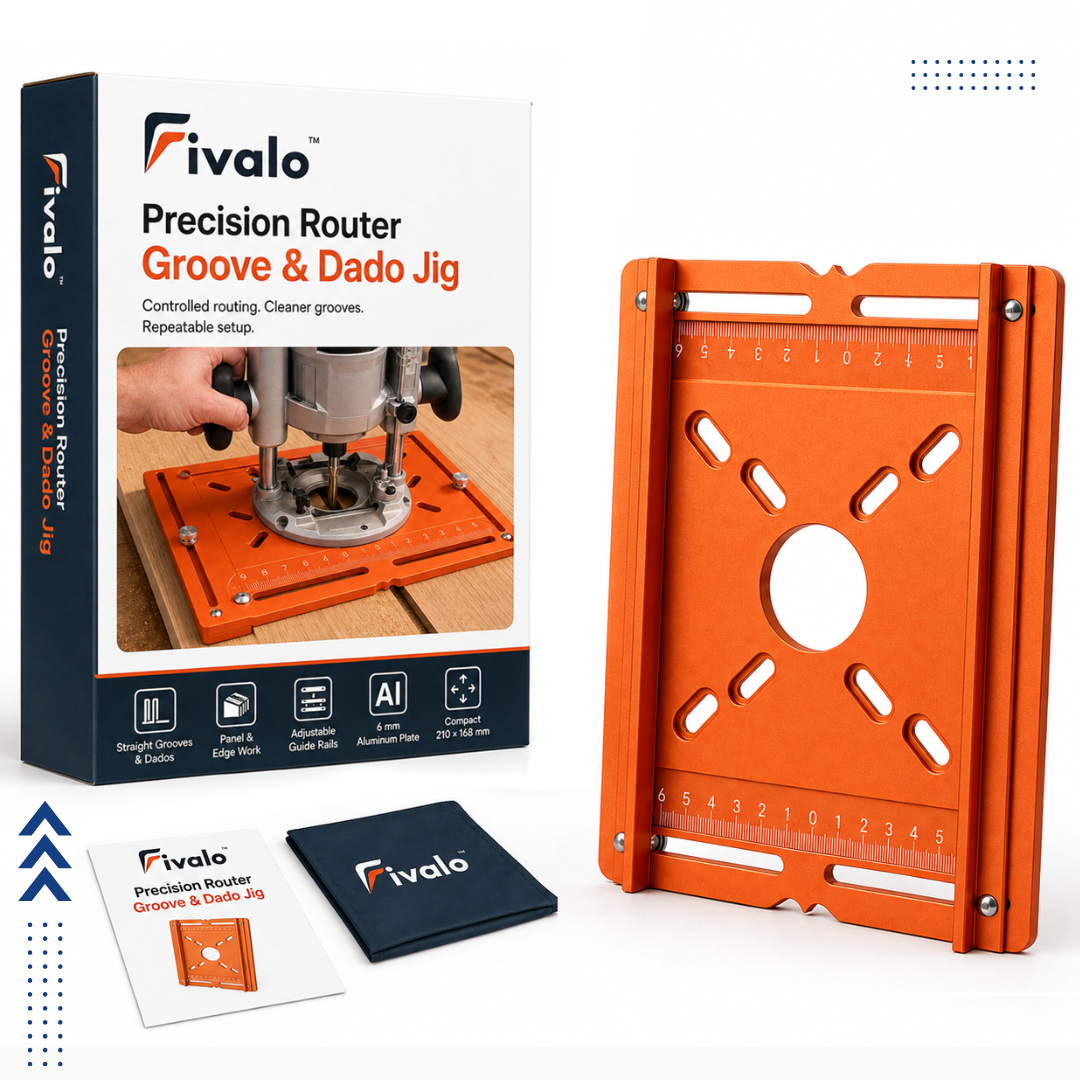
1 × Router Groove & Dado Jig assembly
Router and router bit are not included.
Safe setup
Disconnect power while mounting and adjusting the router. Use compatible hardware and cutting tools, support and clamp the workpiece, verify cutter clearance, and make a shallow test cut in scrap material.
Frequently asked questions
What is the difference between a groove and a dado?
A groove generally runs with the wood grain, while a dado generally crosses it. This jig guides straight router cuts in either orientation when the workpiece and router setup are compatible.
Does the jig fit every router?
No universal-fit claim is made. Compare your router base, mounting pattern, cutter clearance, collet, and hardware requirements with the compatibility details before ordering.
Can I use it on cabinet side panels and shelves?
The product demonstrations show both broad-panel routing and edge/side-panel setups. Confirm that your workpiece can be safely supported and clamped before cutting.
Is a router included?
No. The router shown in demonstrations is for context only.
How should I set up the first cut?
Disconnect power while mounting and adjusting the router. Verify cutter clearance, support and clamp the workpiece, then make a shallow test cut in scrap before routing the finished part.
Is a router bit included?
No. This is the jig-only package. The router and router bit shown in demonstrations are not included.